Search and analysis for Hawaii open data
For the 2024 Hawaii Annual Code Challenge we built a catalog over Hawaii's public datasets. Next.js and TypeScript render the UI with shadcn/ui and Tailwind, including the Info and Recent Datasets views. An Express service on Node.js queries the CKAN API at opendata.hawaii.gov, fetches CSV resources, and keeps the OpenAI key off the client. GPT-4 suggests datasets and charts. We were finalists. I was a frontend developer on the team. The live site is ool-frontend.vercel.app.
Catalog search and filtering
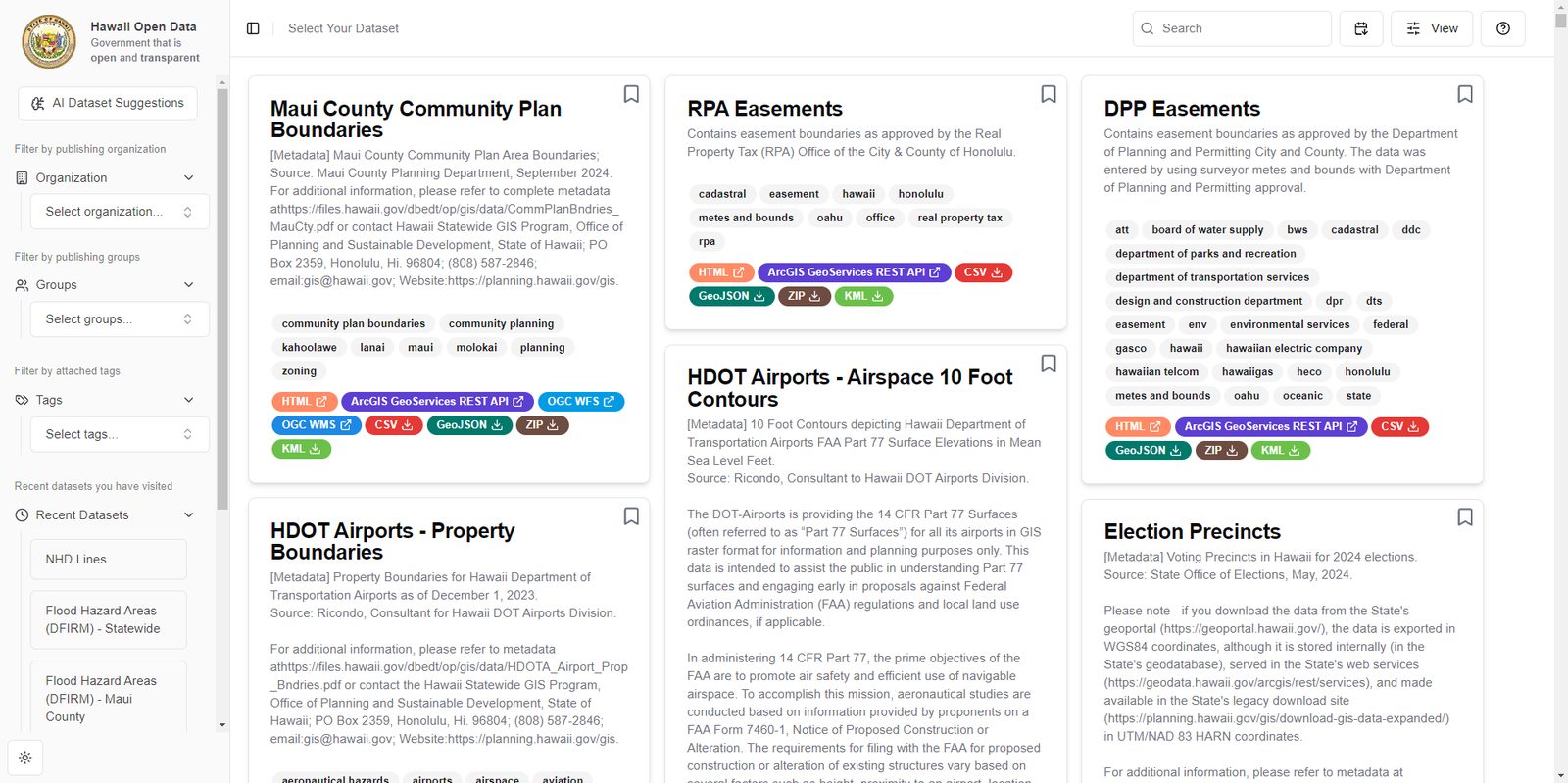
I owned search, sort, the dataset cards, bookmarks, the recent list, the information tab, chart image download, and the help text.
The grid only lists datasets that include a CSV resource, because the
table and chart need rows. Search matches title and notes. Sort is by
created date, title, or a relevance score that weights a title hit
over a notes hit. Organization is a single select. Groups and tags
are multi-select. Those values go to CKAN package_search
as an fq query. Express requests two pages of 999
results so the client is not capped at CKAN's default page size.
Filter options and counts are rebuilt from the datasets that come
back, so the sidebar stays consistent with the current query.
function scoreMatch(row, query) {
  const terms = query.toLowerCase().split(/\s+/).filter(Boolean);
  const title = row.title.toLowerCase();
  const notes = row.notes.toLowerCase();

  return terms.reduce((score, term) => {
    if (title.includes(term)) score += 10;
    if (notes.includes(term)) score += 5;
    score += (title.match(new RegExp(term, "g")) || []).length;
    score += (notes.match(new RegExp(term, "g")) || []).length;
    return score;
  }, 0);
}
That ranking is client-side. Saved ids and the last five opened datasets are stored in the browser. A view menu can hide tags, hide format badges, or show saved cards only. CKAN notes can contain HTML. The API strips script tags and event attributes. The card sanitizes again before render.
Dataset inspection
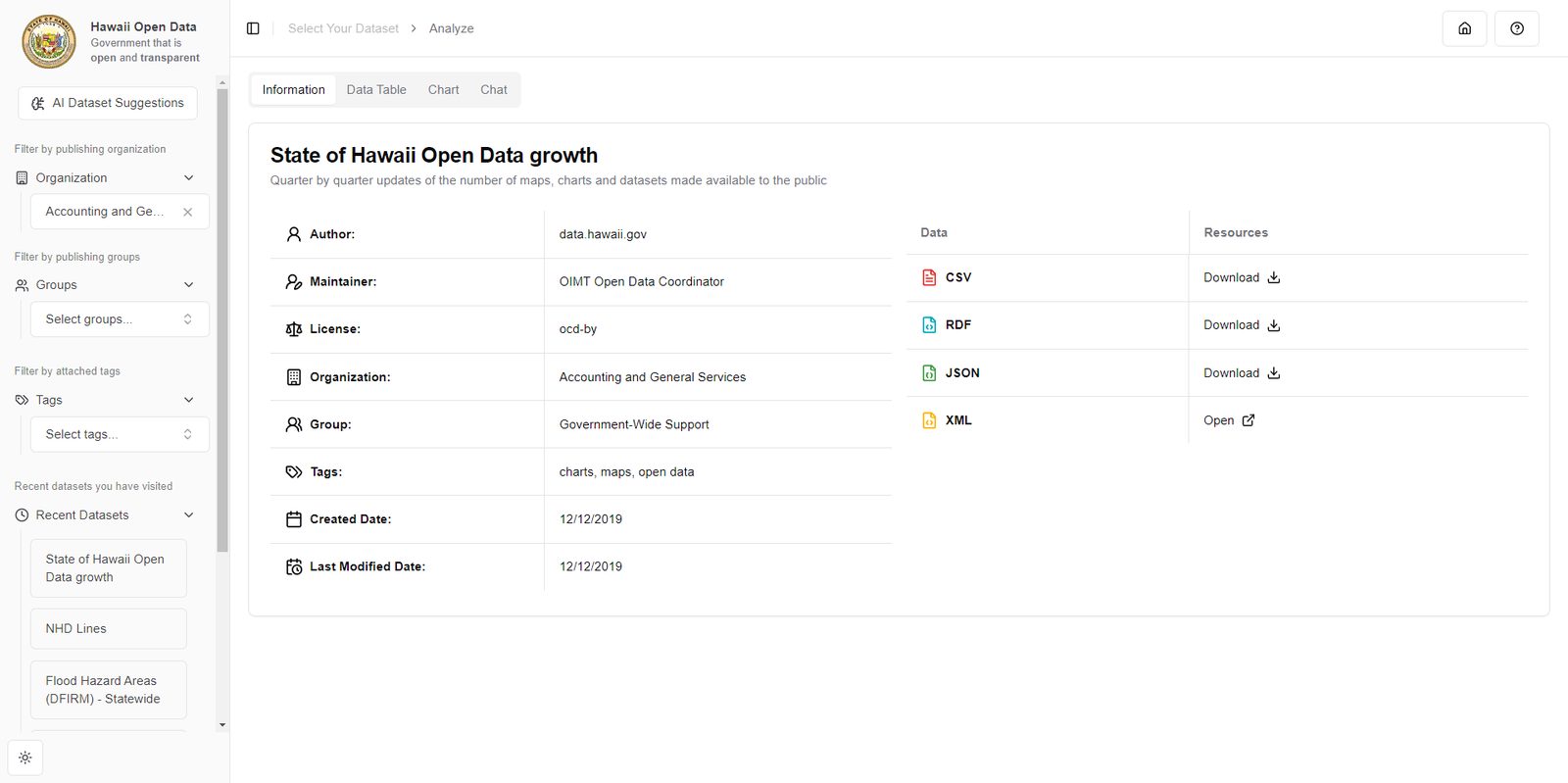
Opening a card asks Express for the CSV. The service looks up the dataset by name, takes the first CSV resource, streams the file, and parses rows. The information tab lists author, maintainer, license, organization, group, tags, created and modified dates, and a download or open link per resource format.
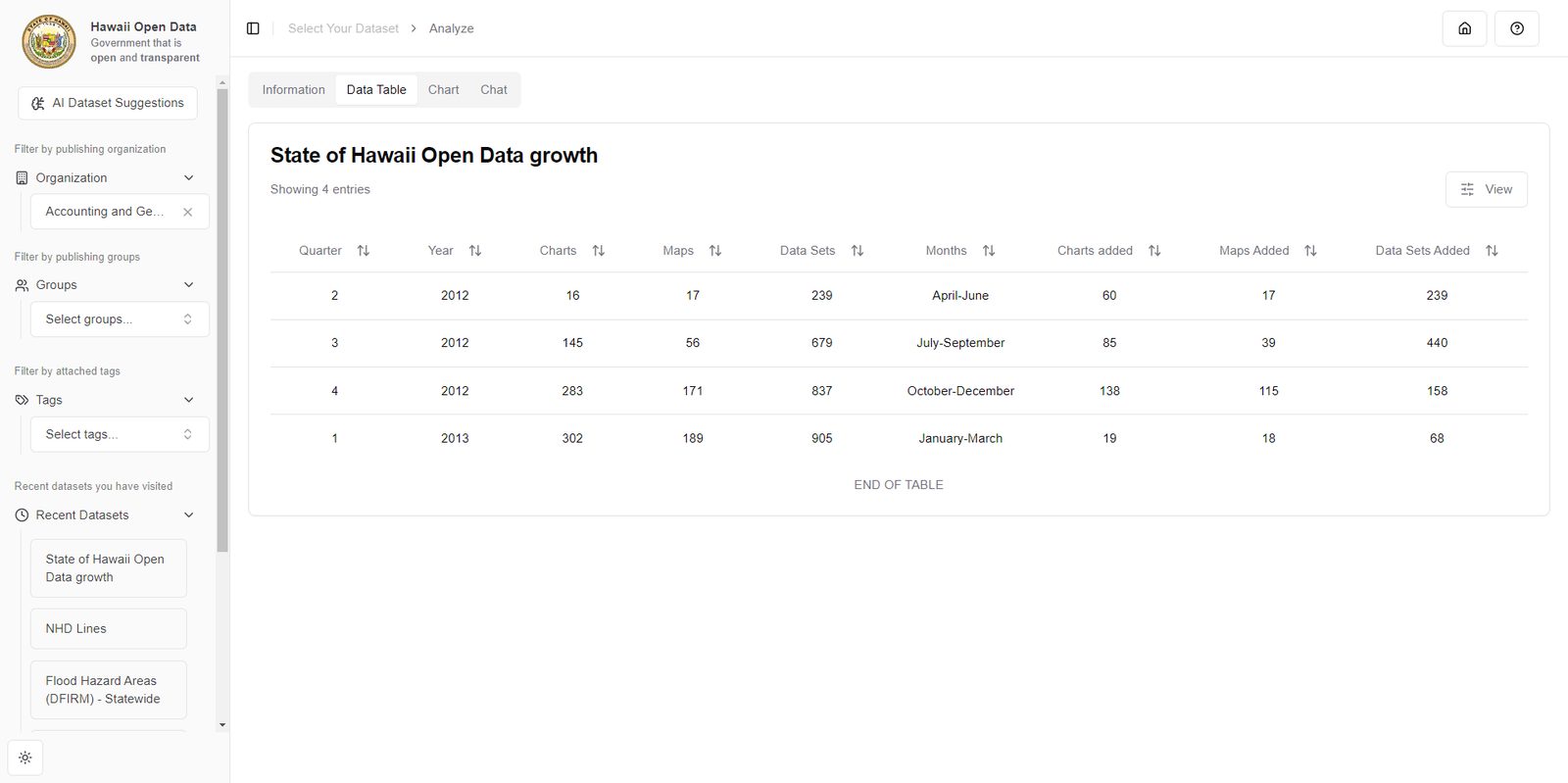
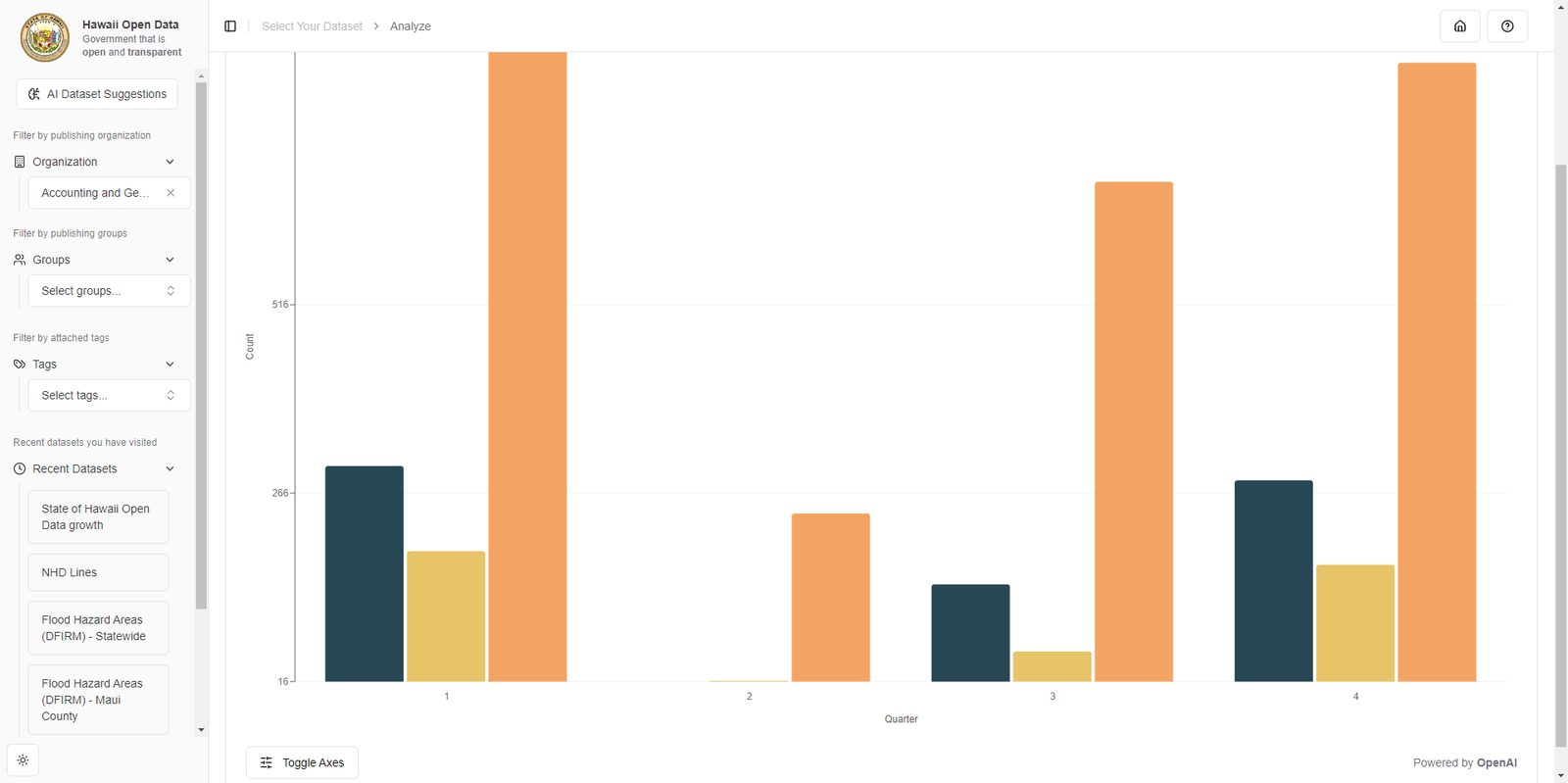
The table sorts numeric columns as numbers and the rest as strings. Columns can be hidden. For the chart, the client sends the title, notes, and the first three rows. The model returns a JSON object that says whether a line or bar chart applies, which keys to plot, and a title. Recharts draws it. If the model reports the file cannot be charted, the UI links to the table or chat instead of drawing an empty plot. Download captures the chart node as a PNG and hides the toolbar in that image.
type ChartPlan = {
  title: string;
  subtitle: string;
  graphable: boolean;
  is_bar: boolean;
  x: string;
  y: string[];
  barX: string;
  barY: string[];
};
Viewer profile and dataset chat
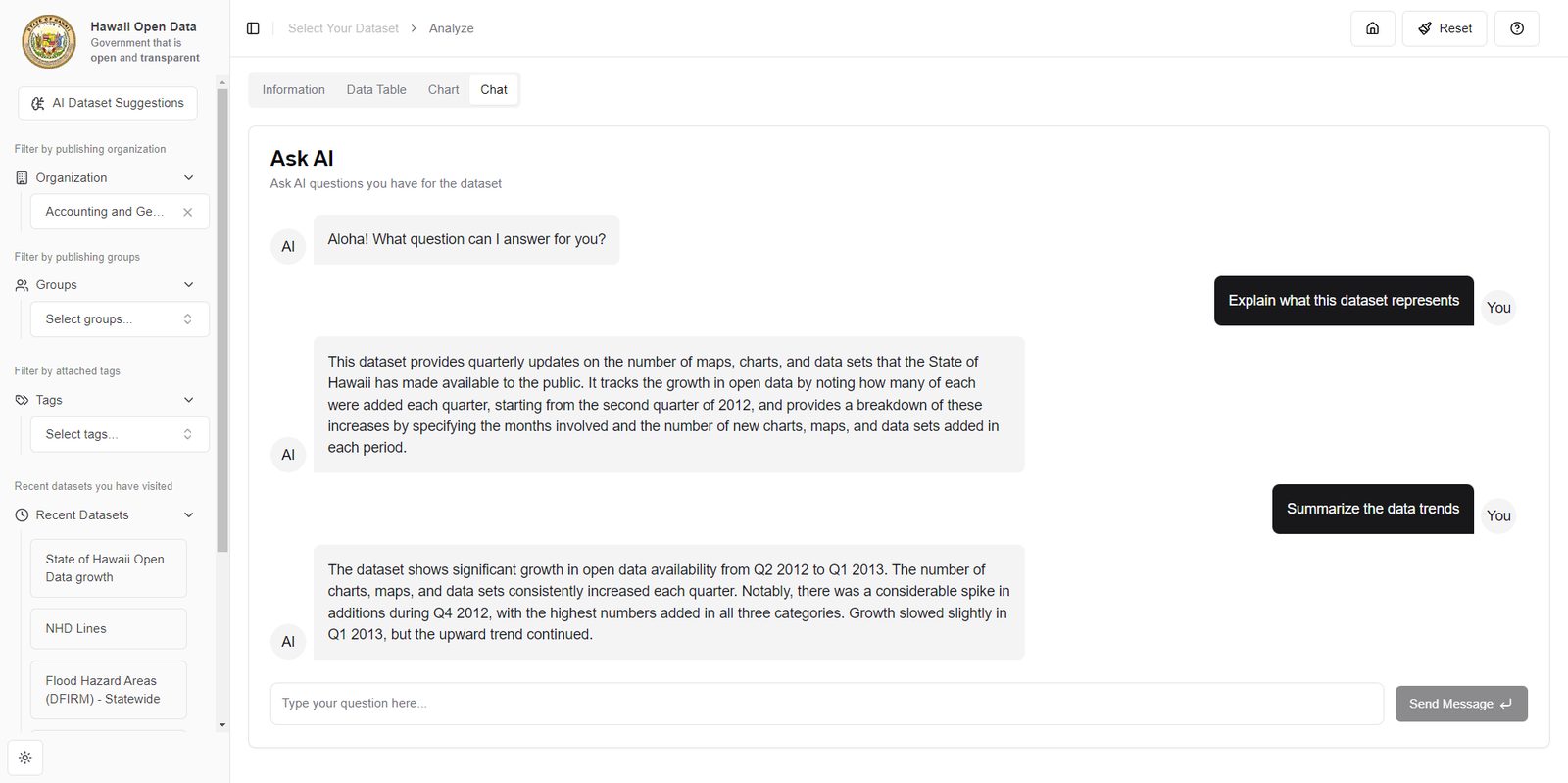
Search and filters do not call the model. Chart layout, ranking, and chat do. A short viewer profile is stored in the browser and starts as a generic civic researcher. Opening a dataset updates that profile from the title and notes, kept under 30 words. Dataset suggestions send the profile plus catalog titles to the model and keep the matching ids. That is a ranked subset of the same catalog.
GET /api/viewer-profile
profile=A civic researcher
dataset=county-water-use

GET /api/ranked-catalog
profile=A civic researcher who follows county water reports

["county-water-use", "island-rainfall-daily"]
Chat is scoped to the open CSV. The first assistant turn includes three suggested questions generated from that file. Replies render as markdown. The thread stops at 20 messages and offers a reset. Chart planning and ranking use a smaller model. Chat uses a larger one. The model key stays on the server.